Device Settings, Clearly Organized
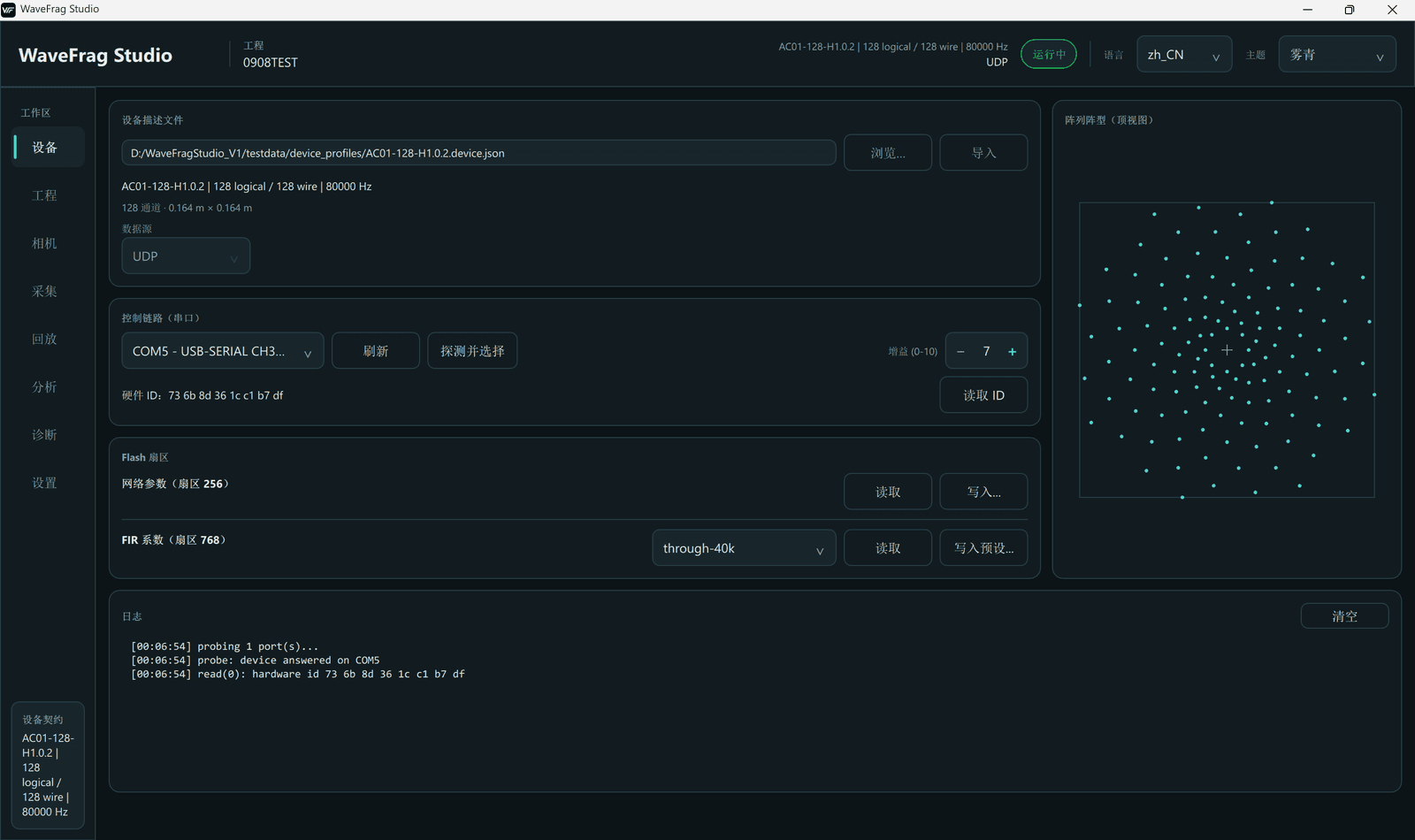
Manage channels, sampling rates, array geometry, channel mapping, and camera parameters in one place, so every measurement starts with the right setup.
Acoustic Imaging Software
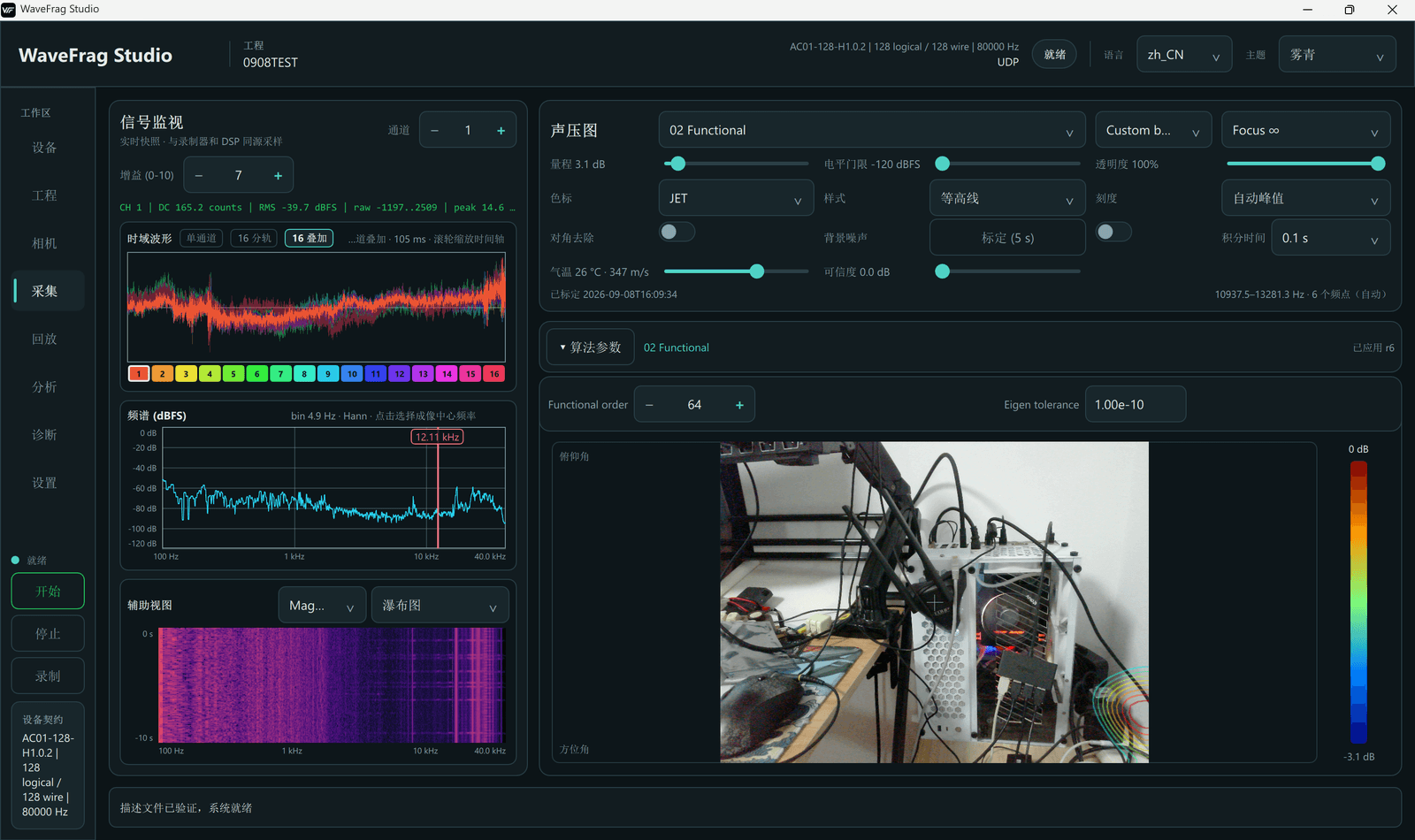
From live imaging to historical playback, WaveFrag Studio connects devices, signals, and original measurements so field observation flows naturally into deeper analysis.
Workflow
Projects, measurements, and analysis runs stay clearly organized, with acquisition settings, raw data, and results connected throughout.
Connect Device
Live Acquisition
Record Measurement
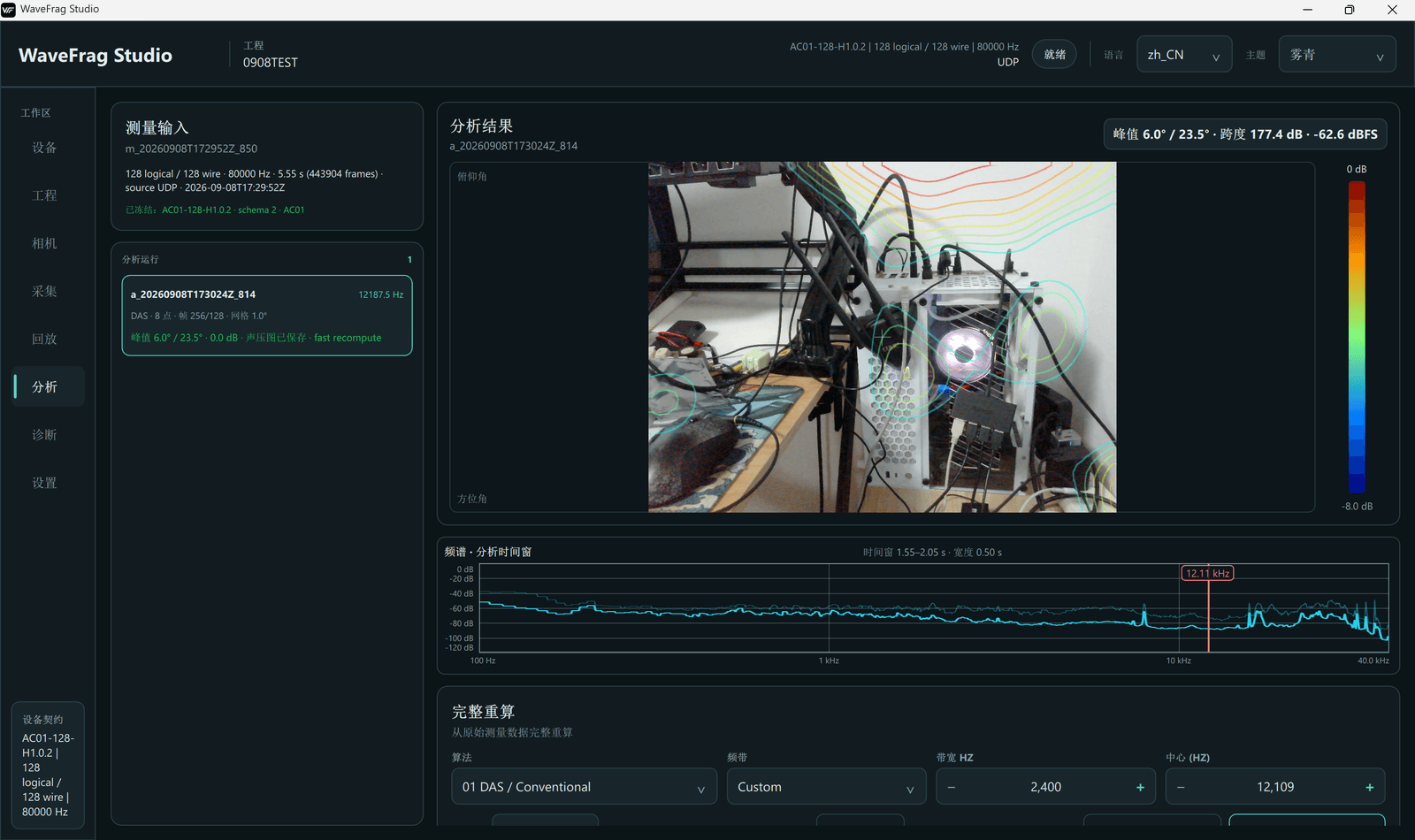
Historical Playback
Offline Analysis
Core Features
Manage channels, sampling rates, array geometry, channel mapping, and camera parameters in one place, so every measurement starts with the right setup.
Move between time waveforms, spectra, and spectrograms to understand the acquisition chain and multichannel status at a glance.
Adjust frequency bands, focus distance, and display settings to overlay acoustic imaging on the live camera view.
Save raw samples together with a device-profile snapshot, keeping the complete basis for later review.
Go back to the raw data behind a historical measurement, adjust parameters, create independent analysis runs, and preserve the results.
Connected link statistics, event logs, and diagnostics keep measurement and analysis records easy to trace.
Subscription Plans
WaveFrag Studio is offered as a subscription with Free, Advanced, and Professional plans.
Acquisition, recording, and playback
Includes live acquisition, raw-data recording, and historical measurement playback.
Advanced algorithms added
Builds on the Free plan with advanced algorithm features.
Analysis added
Builds on the Advanced plan with analysis capabilities.
Contact us for plan pricing.
Contact us for pricingSoftware Interface
Measurement Notes
The sound-pressure map and spectrum use dBFS. They are not presented as absolute dB SPL before phase, amplitude, and sensitivity calibration.
Available functions vary with the device profile and license scope; final configuration follows the delivered system.
Interface images illustrate product capabilities; the installed software interface is authoritative.
See how iDAQ microphone arrays and WaveFrag Studio form a complete engineering measurement system.
View Compatible Hardware